Security work rarely ends with one question. Check a sign-in flow and you find an account-permission issue. Investigate the issue and you need browser evidence, a second test account and a clear explanation for the developer who will fix it.
Meet Nebula, your autonomous AI security system. Nebula is the AI security engineer inside BreachLine, a subscription software platform. Give it a task, follow the work and review the findings in one online workspace.
See the product
The app screens below use a demonstration workspace. They show the interface you use to give instructions, organise work and review results.
Your AI engineer, in one workspace
Open the Engineer view for Nebula’s daily briefing, current objectives and scheduled work. See what needs a decision and what comes next, without searching through separate conversations.
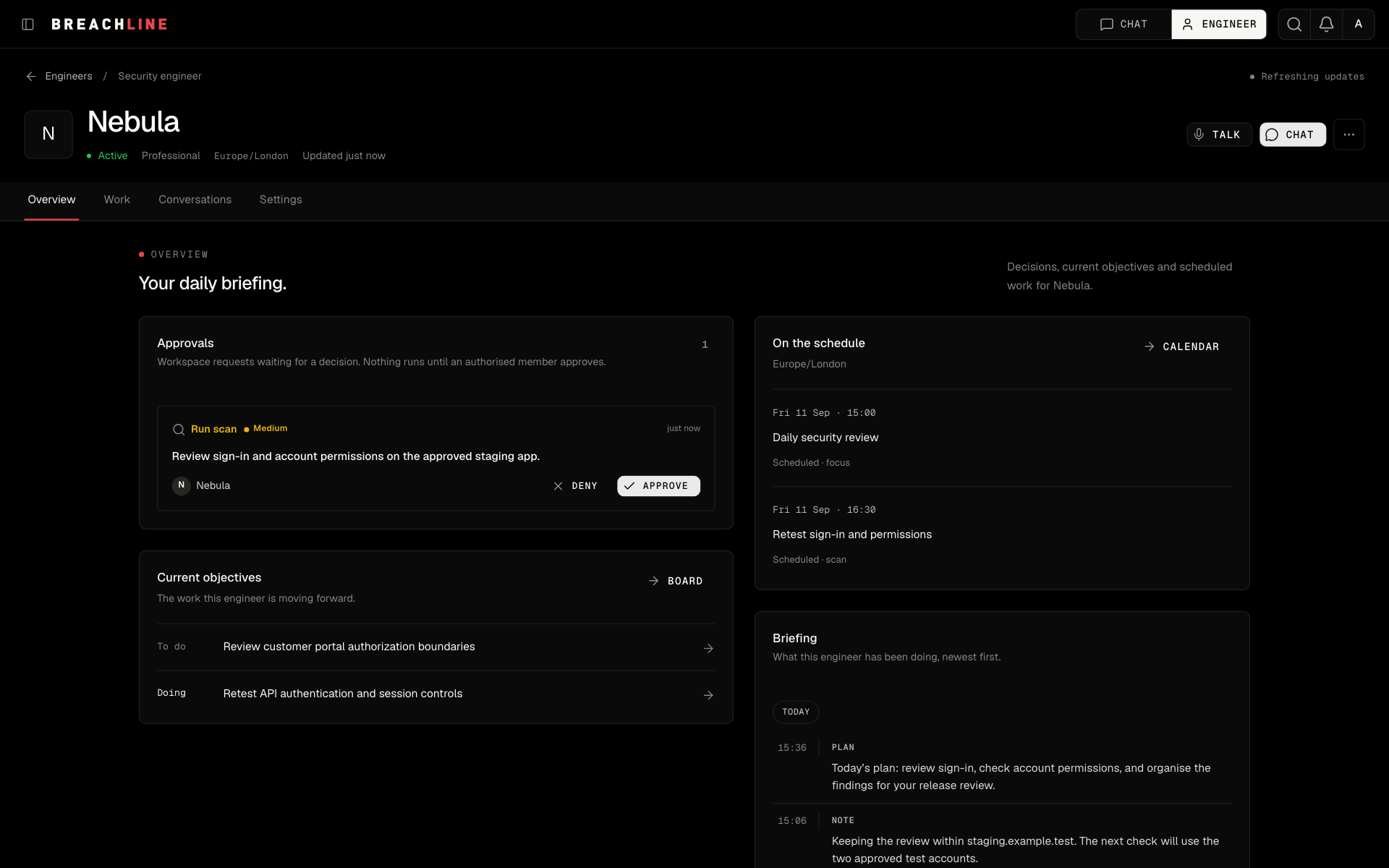
The Work board organises the plan. Nebula’s calendar holds scheduled reviews and recurring tasks. You set the scope and access; Nebula carries the authorised work forward.
Start with a task
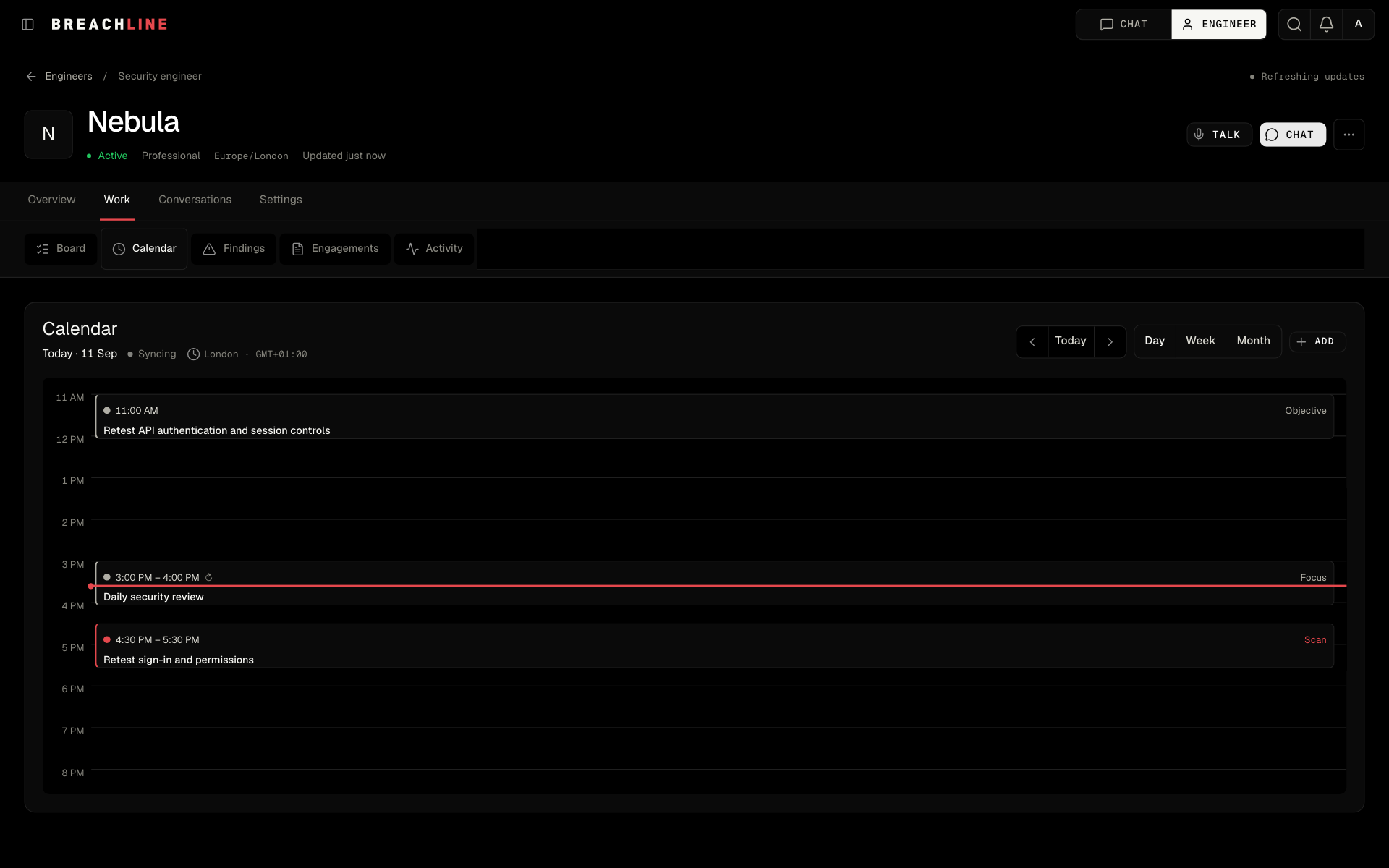
You do not need to assemble a long sequence of tool commands to begin. Describe what you want checked and identify the systems you are authorised to test.
For example: “Check our staging app before release. Focus on sign-in and account permissions.”
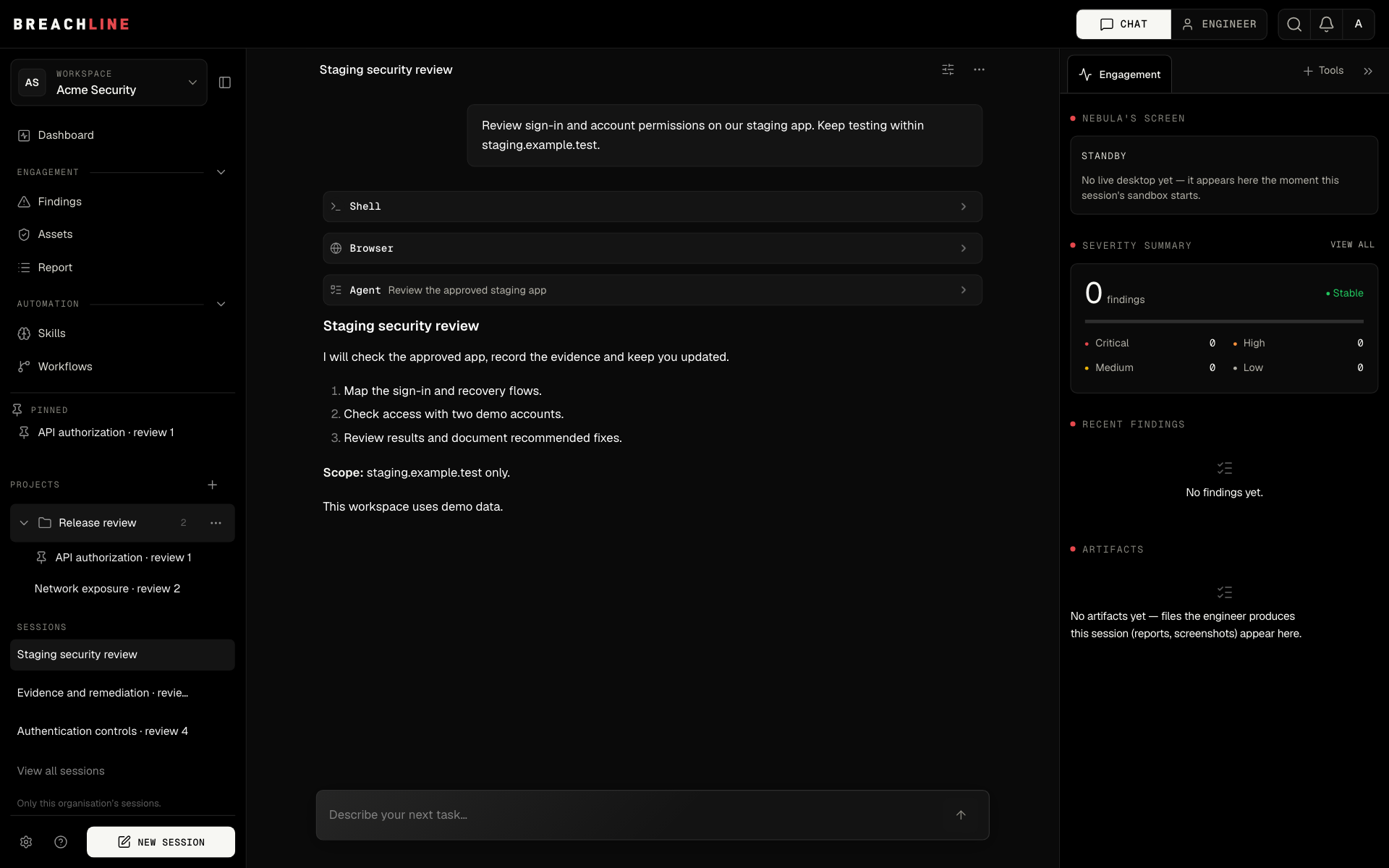
Nebula can build a plan, choose tools, examine the responses and decide what to investigate next. The conversation keeps the task, activity and results together. You can add context or change direction as the work progresses.
Autonomous work, with a clear scope
Autonomy means carrying a task through several steps. It is more than generating a checklist for somebody else to execute.
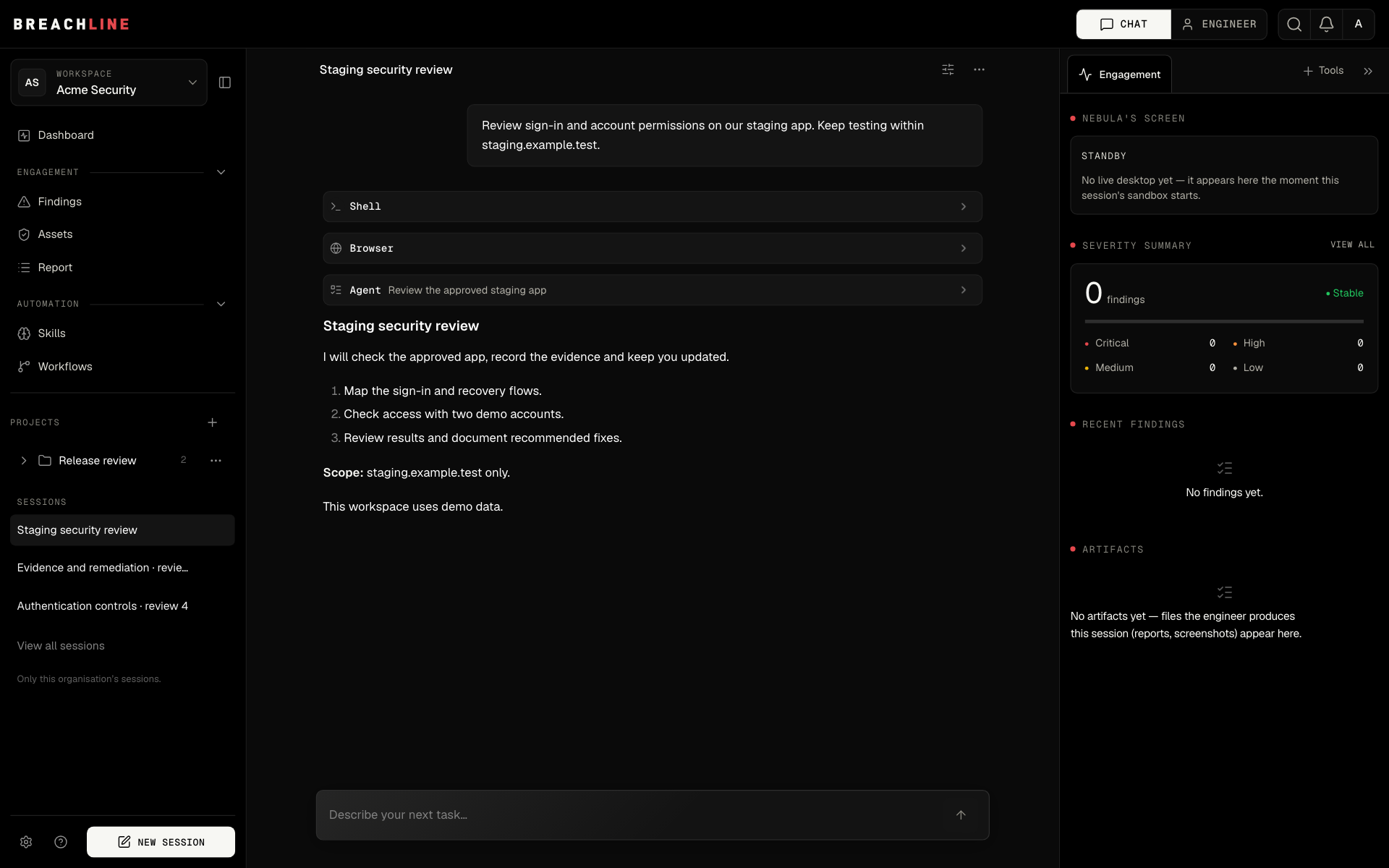
Nebula can use browser and terminal tools, divide suitable work between agents and collect the results. Its next step depends on what it finds. A failed attempt is information for the next decision.
You decide which systems it can test and which connections it can use. Work can still need an approval, a missing credential or a decision from you. Those are useful checkpoints, not reasons to hide what is happening.
After onboarding, you can configure recurring work and supported integrations instead of starting every task from the dashboard. Your workspace remains the place to manage access, check usage and review important results.
Prepare a useful first assessment
A specific first task makes the result easier to review. For a staging release, provide the approved application URL, the build being tested, test accounts for the relevant roles and the permission rules you expect. State which actions are excluded and who should resolve an access problem.
| Include in the task | Example of useful context |
|---|---|
| Business workflow | Sign-in, invitations and access to a test project |
| Identities | An owner and a viewer with separate test accounts |
| Expected rule | The viewer can read the project but cannot invite members |
| Completion evidence | What was tested, what was blocked and reproduction steps for any finding |
| Retest target | The changed build and the original issue to check again |
This is an example task brief, not a promise that every workflow can be completed without your input. A missing credential or unclear permission rule should remain visible in the assessment.
Read the AI penetration testing guide for the assessment process and the browser testing workflow for the identity and network evidence to request. If you are comparing products, use the same evaluation worksheet for Nebula and the alternatives.
Keep the context
Security work often continues across releases and conversations. Projects keep related sessions together. Pin a conversation you use often and return to it quickly.
Project memory helps Nebula refer to useful notes and earlier findings when continuing related work. You get a place to keep the history of an investigation, rather than a collection of disconnected chats.
Bring back evidence
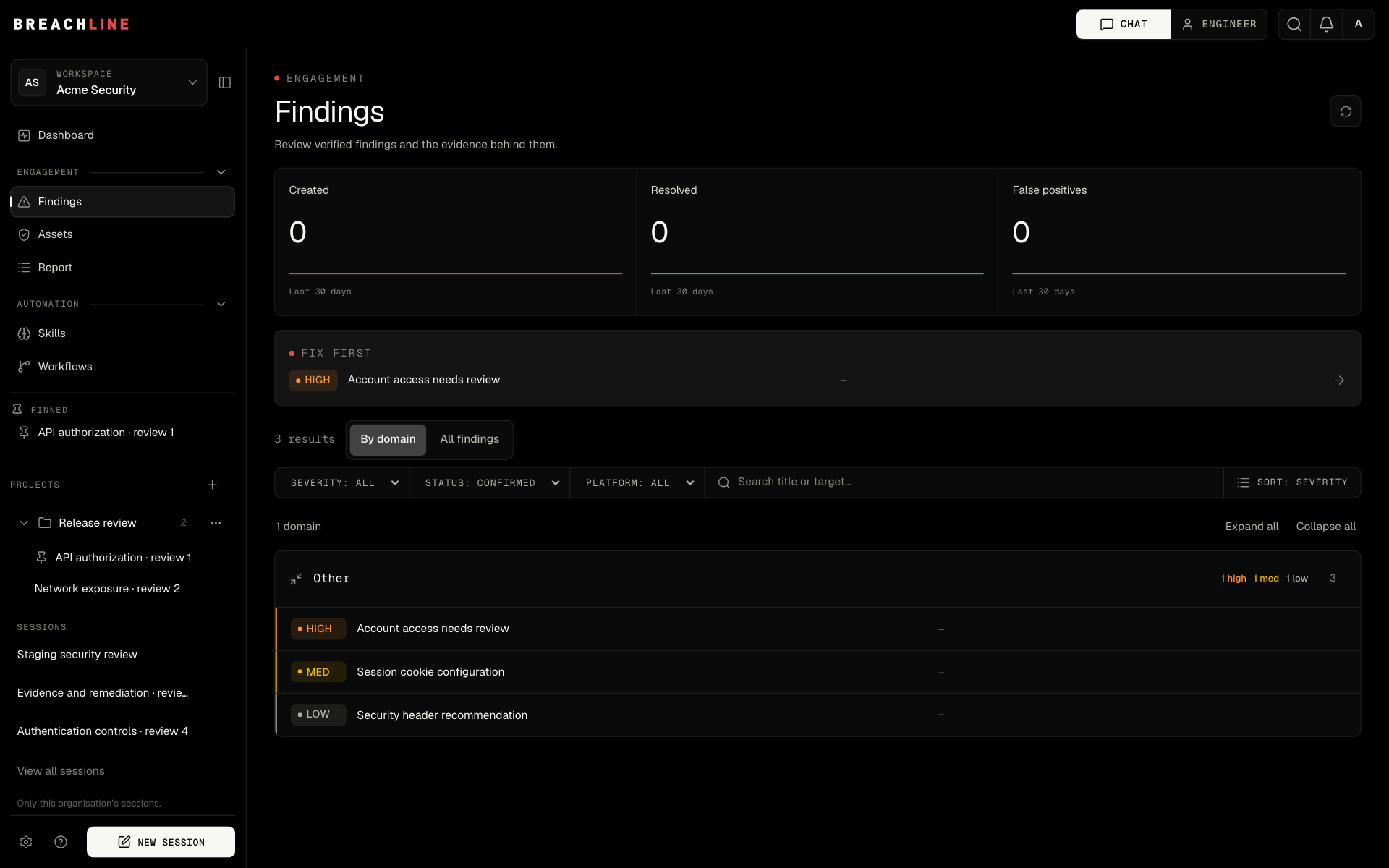
A useful finding explains what happened and why it matters. Nebula records findings with supporting evidence so your team can review the result and decide what to fix.
Keep the conversation open while you investigate. When a fix is ready, ask for a retest within the approved scope. Testing, retests and AI-written reports use your plan credits, then prepaid top-ups. Your usage page shows the recorded charges.
Connect the work your team already does
Browse a catalogue of 300+ integrations to bring relevant tools and information into the workflow. Choose the account, workspace and permissions you want Nebula to use. Configured staff email can help you continue a conversation from your inbox.
The value is continuity: the task, the tools and the findings remain part of the same piece of work. You can spend more time reviewing decisions and less time moving context between applications.
Built for the next era of security
The opportunity is practical: software that can move from a request to useful action, keep context and explain its work.
That is the direction behind Nebula. Our focus is autonomous security work that you can follow, review and improve. Innovation matters when it helps your team complete a real task.
One platform, a clear way to start
BreachLine is SaaS software. A plan provides access to the platform and monthly usage credits. If you want our team to deliver a separately scoped assessment, services are available with their own quote.
Book a demo to see the workspace, or compare plans. For the product architecture and workflow, read the Nebula platform overview.